Showing posts with label Facebook. Show all posts

Check-Out the New Facebook

Facebook has just invited me to try the new Facebook theme today, April 11, 2020. And when I click the "try" button I was amazed of the new Facebook template or theme and it can also change into dark and light mode. Look and click at the image to see the full view...

Profile Dark Mode


Home Dark Mode


Home Light Mode


By the way, if ever you don't like the new theme you can just always switch back to the classic theme.

Thank you for reading. I hope you find this blog kinda interesting. And please don't forget to subscribe, share and comment. See you in the next blog.
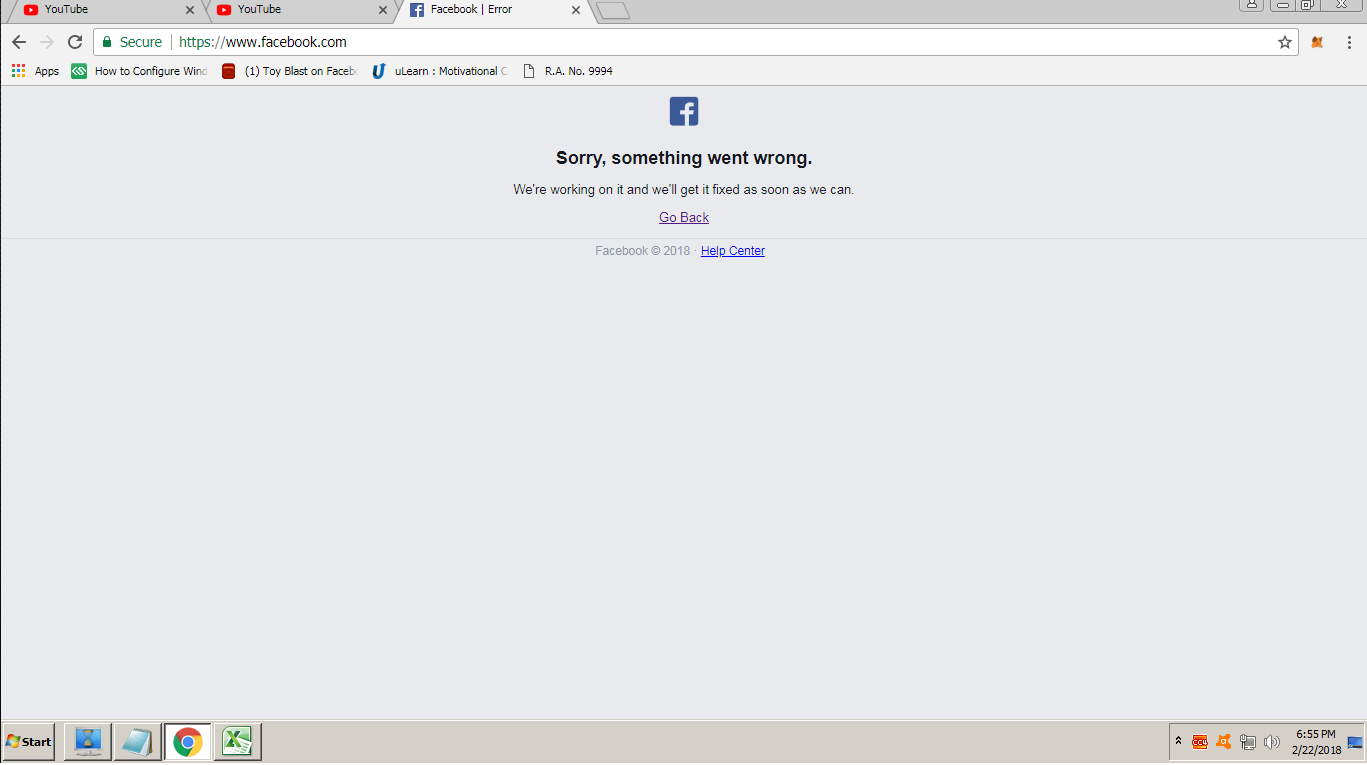
Facebook And Instagram Went Down

Look! Facebook and Instagram went down for almost 5 minutes today, February 22, 2018, around 7:00P.M. Philippine time. No one knows the reason yet, however, I'll be updating this blog anytime whenever I get official statement from the Facebook itself.


FACEBOOK:


INSTAGRAM:


How To Fix Video Calling Problem in Facebook

The Video Calling service of Facebook via Skype is now getting popular to all its users, however, it's also a trouble for everyone on how to fix the Video Calling Error every time they're trying to access it. You have already installed working webcam but still haven't work. Actually, I did experience it too that is why I am writing this article for you to learn also on how to fix it. Take a look of the image of the actual error.


Honestly, there's nothing wrong with your computer, your webcam and even your Facebook account. It's about the Plug-In of Facebook Video Calling that has a problem actually. It is simply outdated version. Therefore, the solution for this is to update it from 1.2.0.159 to 1.2.205.0. How? Here's the step by step procedure of updating it as easy as 1-2-3:

STEP 1
Uninstall the old version of the Facebook Video Calling Plug-In via Add-Remove Program in Control Pannel


STEP 2
After the latter step, you should install the latest version of Facebook Video Calling Plug-In. You can download it here. Just Ignore the warning. It's not a virus, it's clean.


STEP 3
Then after successful installation, you should be able to access the Video Calling service of Facebook successfully.

Hope this article will help you solve the problem. Please leave a comment. Thank you for reading.